





Lilu Casino Mobile Site in the UK
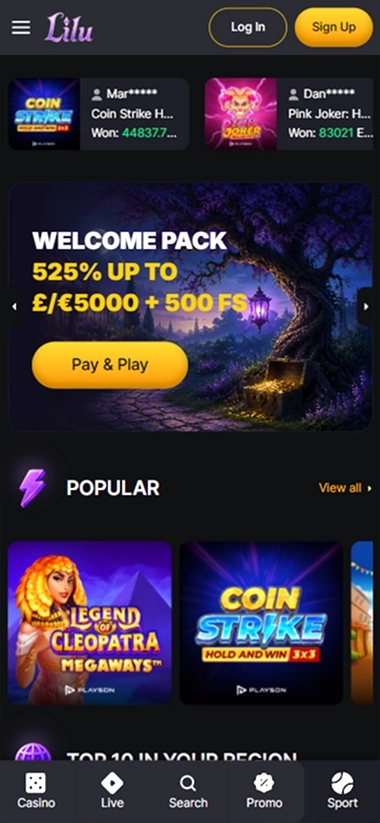
Lilu Casino does not offer native iOS or Android apps. All site sections are available through a mobile browser, including the game library, Live Casino, sports, cashier, account and support. Pages adapt to the screen width and are designed for touch navigation.
Sign in using your email address and password or Quick Sign Up with Google. The website is in English. Once signed in, the mobile version offers the same main sections as the desktop site.
How to Open the Site on Your Phone
- Open Safari, Chrome or another modern browser.
- Visit the website and check the address bar.
- Sign in or create an account.
- Use the menu to open the casino, Live Casino, sports or cashier section.
- For quicker access, bookmark the page or add a home-screen shortcut through your browser settings.
A shortcut opens the website; it is not an installed app. Do not download APKs or other files from unofficial sources.
Playing on Mobile
The library includes slots, crash titles, table games and Live Casino. Examples of mobile titles are Sugar Teddy x1000, 3 Arcane Cauldrons and Classic Chilli 100. Spribe and Aviatrix appear in the crash category, while Iconic21 and Vivo Gaming supply live tables.
Most slots offer demos. To try one, open its page and select Demo if the button is available. Live Casino and jackpot titles may require sign-in and a real-money balance.
Sports on Your Phone
Sports and esports are accessible in a mobile browser. Listed disciplines include football, tennis, basketball, ice hockey, Dota 2 and eSoccer. Competitions include the Premier League, UEFA Nations League and NHL. Available markets can change; check the sports section for the current selection.
Bet slips and odds update in the interface. Before confirming a wager, review the selection, amount and promotional terms.
Mobile Deposits and Withdrawals
The mobile cashier supports the same main methods as the desktop version. Funding options include Apple Pay, Google Pay, cards, e-wallets, banking services, vouchers and Bitcoin. Apple Pay, Google Pay, Paysafecard and Neosurf can only be used to add money, so another method is needed for withdrawals.
The minimum deposit is 20 EUR/GBP and the minimum withdrawal for most methods is 40 EUR/GBP. A separate Bitcoin threshold is not published. Check the applicable limit and method availability in the cashier before submitting a request.
Verifying Documents on Your Phone
If the operator requests KYC, you can upload documents through your mobile browser. Take clear photographs in good lighting, keep the edges visible and ensure the details match your profile. Never send complete card details or your CVV.
Check the document status after uploading. If a file is rejected, ask support why and submit a clearer copy.
Mobile Promotions and VIP
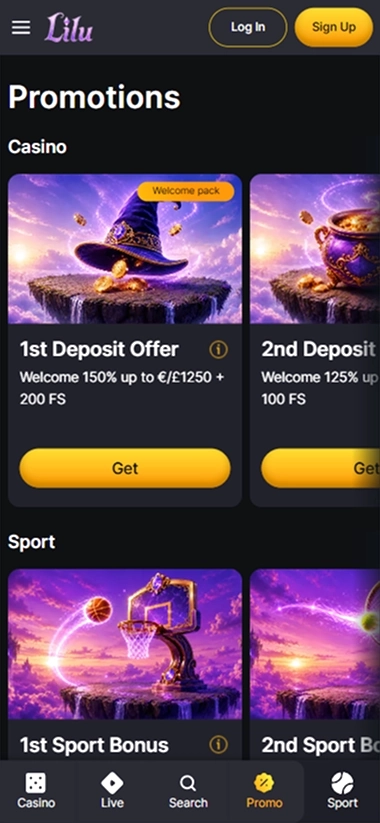
Welcome Package, Double Boost, Midweek Reload, Magic Spins and Weekend Power-Up can be accessed through the mobile cashier. Select an offer before confirming payment, as it may not be possible to apply it after the funds have been credited.
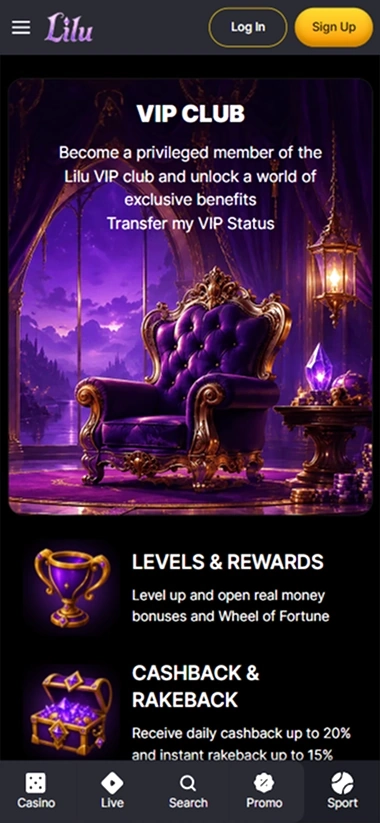
Daily cashback and VIP status are linked to your account, so they remain in place when switching between desktop and mobile. Your current level and available rewards can be checked in your account.
Support and Notifications
Live Chat is available on the website around the clock. Use email for enquiries involving documents or attachments. Support is provided in English.
There are no native push notifications. Check withdrawal, reward and account updates in your profile and messages sent to your registered email address. Look in your Spam folder if you are expecting a password reset or transaction confirmation.
Mobile Account Security
- Do not save your password on someone else’s phone.
- Use a screen lock and a unique password.
- Sign out after using a shared device.
- Check the website address before signing in or making a payment.
- If you lose your phone, change your password and contact support.
Common Problems
| Issue | What to do |
|---|---|
| Page will not load | Check your connection, update the browser and try again |
| Game freezes | Close unnecessary tabs or try another browser |
| Payment not showing | Check your transaction history and contact support |
| Unable to sign in | Use your original login method — email or Google |
| Demo will not open | Check whether the selected title supports demo mode |
Conclusion
The Lilu Casino mobile site provides browser access to the game library, sports, cashier and support without installing an app. Always use the official website and a secure connection when signing in or uploading documents. UK users should check regional availability of features and payment methods beforehand.